
Cyberthreats are growing every day, and password leaks have become increasingly common.
Enabling multi-factor authentication (MFA) adds a critical extra layer of protection beyond passwords alone.
Today, even a strong password is not enough to protect your personal or business accounts. This is why Multi-Factor Authentication (MFA) has become one of the most important security tools you can use.
What is Multi-Factor Authentication (MFA)?
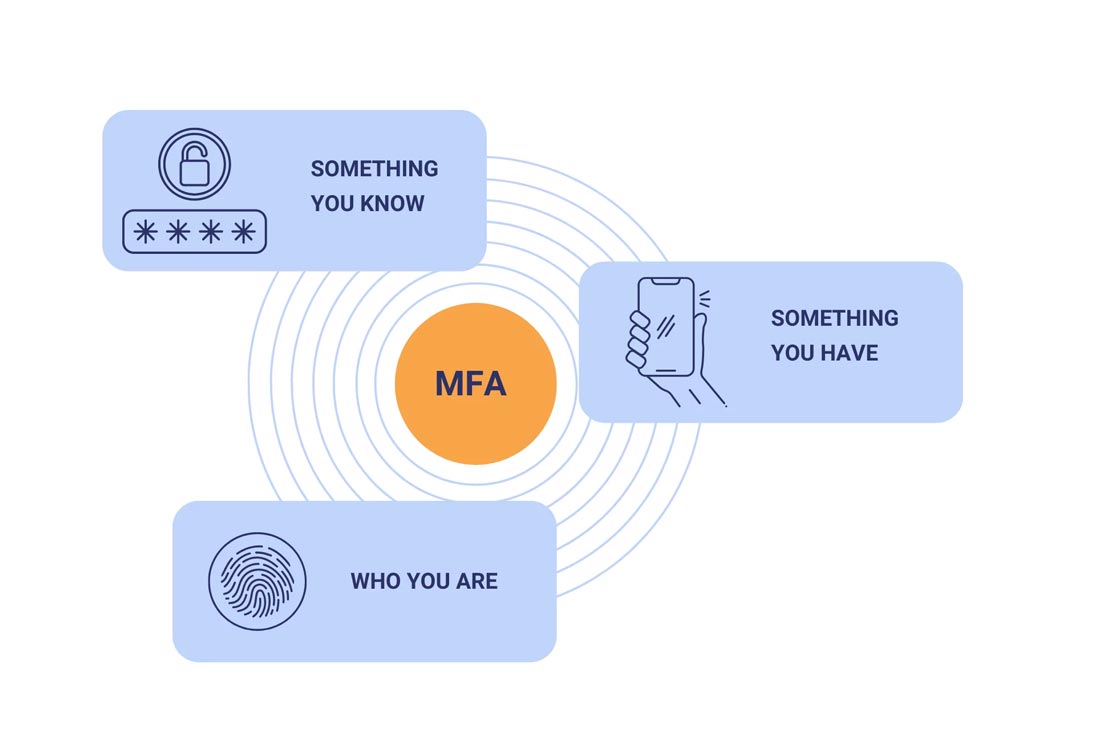
Multi-Factor Authentication is an extra layer of security that requires two or more steps to prove your identity when you log in. Instead of relying only on a password, MFA asks for additional proof such as:
- Something you know: A password or PIN
- Something you have: A code sent to your phone, email, or authenticator app
- Something you are: A fingerprint, face scan, or other biometric
Even if a hacker steals your password, they still cannot get into your account without the second step — making MFA extremely effective.
Why Do You Need MFA?
Cybercriminals use many tricks to steal passwords: phishing messages, data breaches, fake websites, and social engineering. Once they have your login details, they can:
- Access your money
- Read private emails or messages
- Steal your identity
- Lock you out of your own accounts
- Spread attacks to your colleagues or family
MFA stops most of these attacks because the hacker won’t have the second authentication factor.
Research shows that MFA can block over 99% of automated hacking attempts.
Where Should You Use MFA?
You should turn on MFA for all accounts that store important or sensitive information, including:
- Email accounts (Gmail, Outlook, Yahoo, etc.)
- Banking and financial apps
- Social media (Facebook, Instagram, LinkedIn, TikTok)
- Cloud storage (Google Drive, OneDrive, iCloud)
- Work accounts and business systems
- WhatsApp and other messaging platforms
If a platform offers MFA, enable it immediately.
Best Ways to Use MFA
While SMS codes are helpful, attackers can intercept phone messages.
For stronger protection, use:
✓ Authenticator Apps (Google Authenticator, Microsoft Authenticator, Authy)
✓ Biometrics (fingerprint or face unlock)
✓ Hardware keys (YubiKey, Titan Security Key) for very high-risk users
These methods are harder to hack and offer better long-term security.
MFA: A Simple Step With Big Impact
MFA may seem small, but it is one of the strongest defenses you can add to your digital life. It reduces risks, protects your identity, and keeps your accounts safe even when passwords fail.
As cyberattacks rise, protecting yourself is not optional — it is essential.
Take 2 minutes today to turn on MFA wherever possible. Your future self will thank you.